
Before you build an internal knowledge assistant
Start with the sources, access, and questions.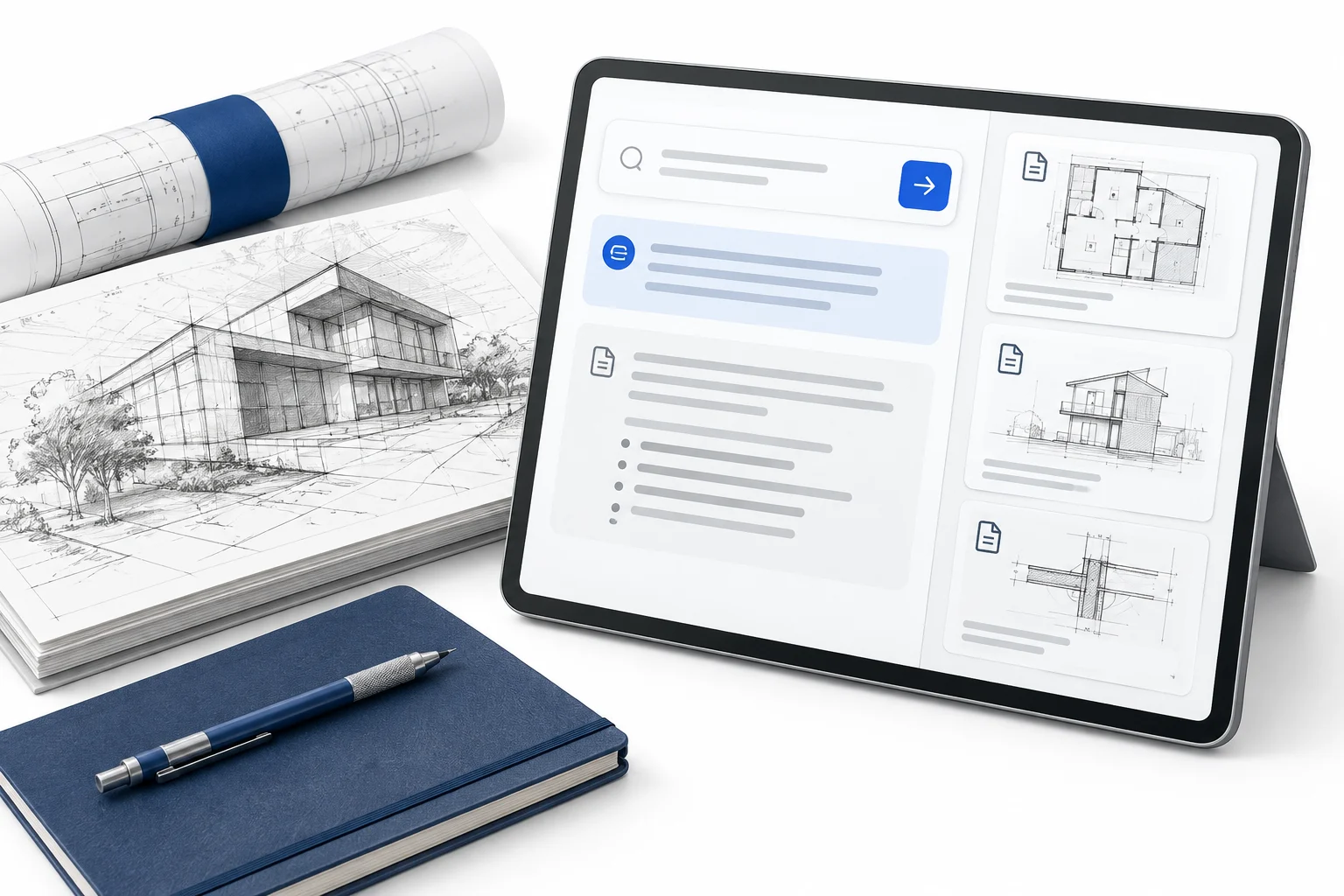
A practical way to prepare company documents, permissions, and test questions before investing in an AI assistant for your team.

TLDR
The short versionStart with one team and the questions it needs to answer. Choose approved sources, preserve access boundaries, and make missing information explicit.
Test answers against known evidence, including failures and restricted information. Agree who maintains the sources and reviews problems before widening the pilot.
A colleague asks where a decision was documented. You know it is somewhere in a shared folder, a message thread, or the notes from a meeting. Finding the answer takes longer than asking the question.
An internal knowledge assistant could help with that kind of work. Before choosing one, it helps to understand what the answer depends on. The relevant document has to exist. Someone has to know whether it is current. The person asking has to be allowed to read it. And the response has to make those things possible to check.
Preparing that foundation is useful work in its own right. It also gives you a clearer brief for deciding whether to configure an existing tool or build something more specific.
Give the first version a narrow job
Choose a group of people and a recurring set of questions. An operations team finding approved procedures is a more workable starting point than an assistant expected to know everything about the business.
Write down a few actual questions people ask today. Record where they look, who they interrupt, and what they do once they find an answer. A question about where to save a file needs different information from a question about who can approve a purchase.
Keep the first scope close to a decision you can evaluate. An assistant that helps people locate and understand approved information can be tested without also giving it permission to change records or act on someone’s behalf.
Decide which information deserves to become an answer
A shared drive can contain an approved procedure, an old copy, and a draft with similar names. Connecting all three does not settle which one the team should follow.
For the first collection, record the source, the responsible person, its status, and how changes are handled. Identify drafts and retired material. Where two sources disagree, resolve the disagreement with their owners or make the uncertainty visible.
You do not need to reorganize the entire company before learning anything. A small, deliberately chosen collection lets you test whether the proposed experience helps. It also makes gaps easier to trace back to the material behind the response.
Carry permissions through to the answer
The assistant should work within the access a person already has. A readable answer can still disclose information that person was never entitled to see.
Ask how the proposed system handles permissions when it searches for information, and how quickly access changes reach that system. Include document titles and snippets in the review, as well as the final answer. Microsoft’s document-level access guidance describes approaches for excluding unauthorized documents from search results. The appropriate implementation depends on the systems and identity controls you use.
Start a demonstration with fictional material or information explicitly approved for the test. Useful learning does not require connecting every sensitive folder on the first day.
Make a missing answer part of the design
Here is a fictional example. A person asks who approves a supplier change for Project A. The available supplier register lists companies and contact details, but it does not name an approver.
A useful response would explain that the approver could not be verified in the available information. The next step could be to check the current procedure with the project lead. The assistant should leave that decision unresolved until there is evidence to support it.
The same principle applies when a source is unavailable or a request falls outside someone’s access. Define the response and the manual path in advance. Otherwise, an ordinary exception can become a confusing dead end.
My construction knowledge-assistant case includes a fictional walkthrough of these situations. That engagement covered discovery and solution design, including read-only behavior, source references, access boundaries, and failure states. The walkthrough explains those requirements without presenting a launched client system.
Test the answer and the work around it
Before a pilot, build a small set of questions with someone who knows the subject. Include questions with clear answers, outdated or conflicting sources, missing details, and information a test role must not receive.
For each question, write down the acceptable answer, the supporting source, and any limit the response must preserve. Check whether a cited passage actually supports the statement. A link to a document gives the reviewer somewhere to look. It does not establish that the answer is correct.
Compare the full task with the current way of working. Include time spent opening references, checking the response, correcting mistakes, and asking someone for help. Record which cases fail and why. Those observations give you something concrete to fix before widening the pilot.
Name the people who keep it useful
Documents change. People move between teams. A useful assistant needs someone responsible for keeping its sources and access rules current, and someone who can review reported problems.
Agree on those responsibilities while defining the first version. Keep the manual route available if a source is missing or the assistant is unavailable. Decide what evidence would justify adding another team, another information source, or permission to perform an action.
I connect these decisions through AI agents and automation, from the work someone needs to finish to the information, interface, and checks it depends on. If you are still choosing where to begin, the AI Opportunity Map provides a way to frame the opportunity.
A good first brief can fit on a page. Name the people, the questions, the approved sources, the access boundaries, and the test. That gives the next conversation enough substance to decide what is worth building.
Written by Dan Loris
I design and build websites, digital products, AI tools, and systems people can use. The Journal shares the thinking behind the work.
For help with this work, explore AI agents & automation.
Work with meKeep thinking.
The Journal →
Choose the right job for an AI agent.
Decide where fixed rules are enough, where AI interpretation helps, and where an agent needs room to choose its next step.
Read the article →
Give your AI assistant better source material.
Prepare the information behind your AI assistant with clear ownership, current sources, appropriate access, and answers people can check.
Read the article →
Make AI useful. Start with the work.
A practical way to choose a first AI workflow, design the review step, and run a test that tells you whether it helps.
Read the article →