AI / Construction knowledge assistant
Make project knowledge easier to find and check.
Discovery and solution design for an internal assistant grounded in approved project information.
Start with the information people need.
Project knowledge can live across documents and business systems. This discovery work defined how an internal assistant could help teams find project facts and supporting material without treating every file as equally available or reliable.
Design the boundaries with the experience.
The proposed first release was read-only and grounded in curated information. Requirements covered source references, role-based access, and what the assistant should do when information was missing, access was denied, or a connected system failed. Those states were part of the product definition.
Make the answer possible to check.
An answer needed a path back to the information behind it. The proposed experience paired project facts with source references so the person using it could inspect the supporting material. When the approved information could not support an answer, the requirements called for that limit to remain visible. The walkthrough below demonstrates those decisions with fictional examples.
Give the build a practical starting point.
I worked through the resource requirements and project roadmap, connecting user needs to the information and integrations behind the assistant. The plan favored an existing assistant interface for desktop and mobile access instead of adding a separate interface without a clear need.
Inspect the idea
The answer is only useful if you can check it.
Open each example to see the question, the available evidence, and the next action. These situations make the proposed read-only boundaries easier to evaluate.
Illustrative walkthrough. Project A, its documents, and every response below are fictional. They explain the requirements in this discovery case. They are not outputs from a deployed client assistant.
The source supports an answer
The question
Where should I save the meeting notes for Project A?
Available evidence
Project A records guide · Revision 3
Meeting notes belong in Documents → Coordination → Meeting notes. The project coordinator checks the title and meeting date before publication.
Example assistant response
Save the notes in Documents → Coordination → Meeting notes. The project coordinator checks the title and meeting date before publication. Source: Project A records guide, revision 3.
The person’s next step
Open the cited guide and check that it applies to this project. The assistant provides a reference. It does not upload, approve, or publish the notes.
Keep the reference beside the answer.
The available information is incomplete
The question
Who approves a supplier change for Project A?
Available evidence
Project A supplier register · Draft
The available register lists suppliers and contact details. It does not name the person authorized to approve a change.
Example assistant response
I could not verify the approver in the available project information. Check the current approval procedure with the project lead before making a change.
The person’s next step
Keep the approval unresolved. Ask the responsible person to confirm the rule and update the source before treating it as an answer the assistant can provide.
Leave an unsupported decision unanswered.
The request exceeds the person’s access
The question
Show me another team’s restricted commercial documents.
Available evidence
No permitted source for this request
The person’s role does not grant access to the requested material. Restricted titles, snippets, and contents are excluded from the example response.
Example assistant response
I cannot provide that information with your current access. Contact your access administrator if you need a permission review.
The person’s next step
Use the existing access process. A question in the assistant must not grant a person permissions they do not already hold.
Check permission before retrieving content.
A real pilot would need to test these behaviors with approved documents and the roles of the people using it. See how I approach AI agents and automation.
The process
How the work came together.
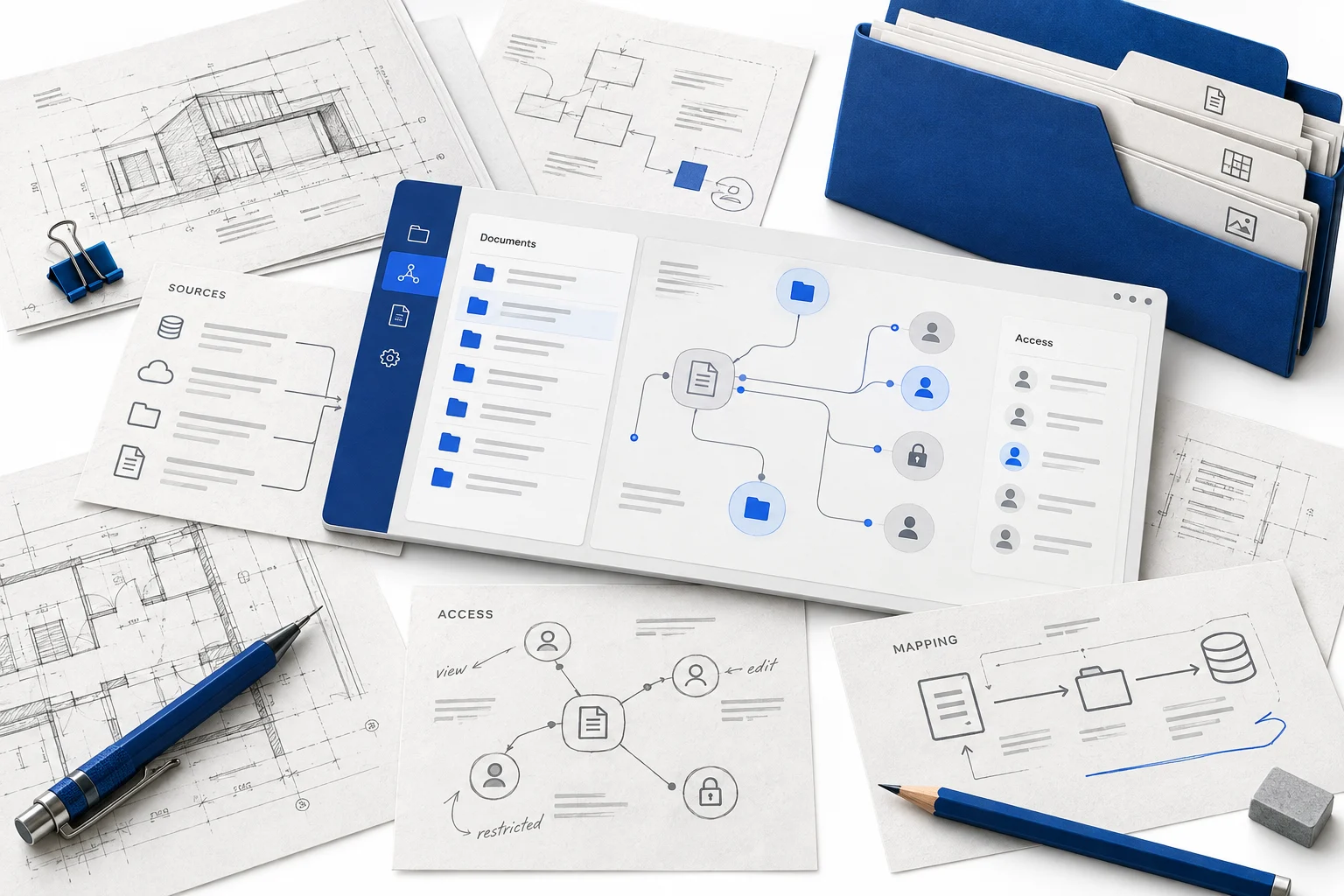
Identify the questions and sources
Map the information teams need and the approved documents or systems that could support it.
Define the assistant’s boundaries
Specify read-only behavior, source references, access rules, and missing-information states.
Plan the first release
Translate discovery into a technical requirements document and a practical implementation roadmap.
Skills & applications
What the work called for.
- Internal knowledge assistant
- A proposed way to retrieve project facts with supporting sources.
- Connected project information
- Discovery considered approved documents and business-system information.
- Requirements & roadmap
- Written artifacts define the scope and dependencies before implementation.
The deliverables
What took shape.
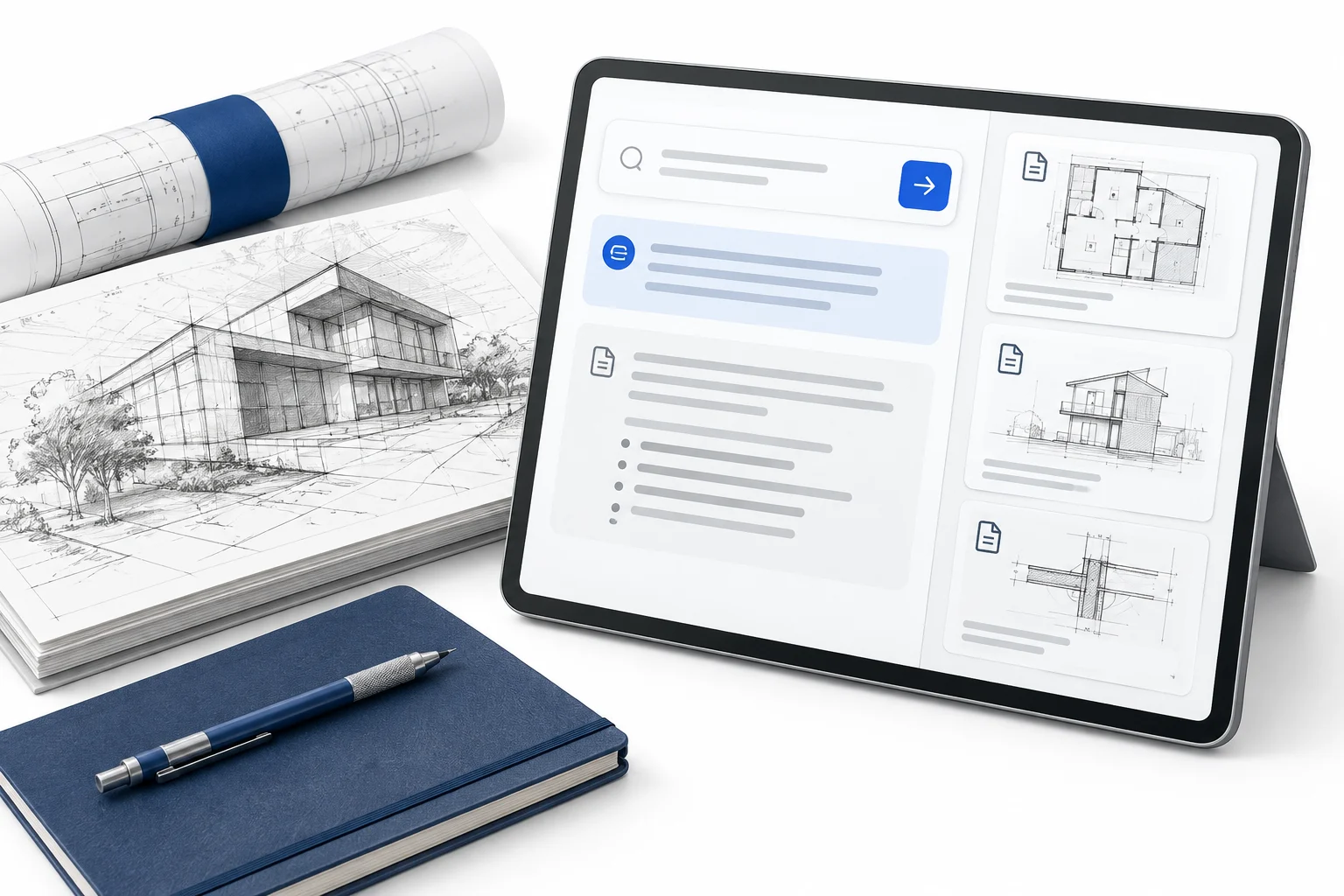
Discovery & solution design
- User needs & information map
- Assistant requirements & access boundaries
- Technical discovery & project roadmap
The outcome
The result.
A documented scope and roadmap for an internal AI assistant, with user needs, information access, and first-release boundaries defined for the next stage. Implementation and evaluation with live users remained next-stage work.